In short
For Australia in 2026, buy an Australia eSIM plan if the phone is unlocked and takes an eSIM profile. Install it at home. In Sydney, Melbourne or Cairns the data is already there: Maps, Opal, translation. Prices and the operator column are on the Australia comparison. Hotel Wi-Fi does not replace a line between towns.
- Compatible phone. One Australia eSIM. Check the model in the compatibility tool. Telstra if you leave the cities.
- Locked phone or no eSIM. Local physical SIM at the airport, or a Pocket WiFi rental.
- Tablets, several screens without eSIM. Pocket WiFi. An eSIM on one adult so you stay reachable without the router.
- EE, O2, Vodafone or Three pass. Last minute, one afternoon, a forgotten QR. Over a week the Australia eSIM almost always wins, unless Australia is truly on your plan.
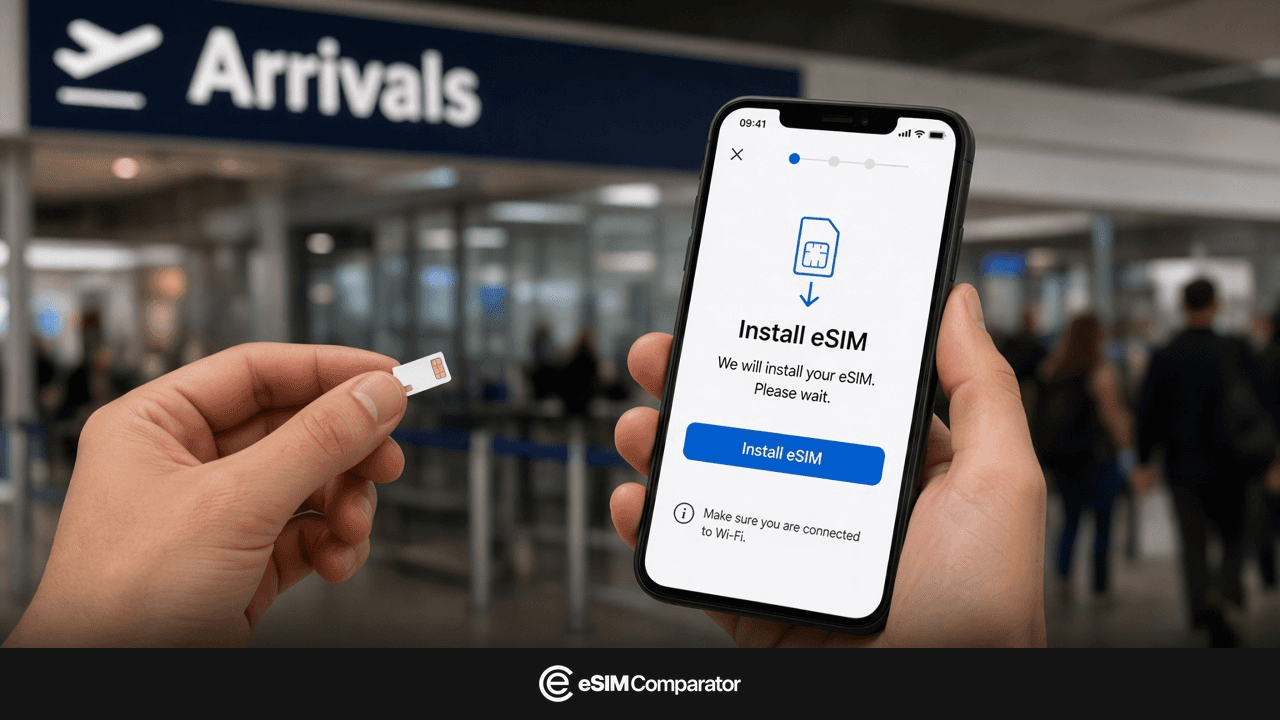
In Sydney, arrival Wi-Fi often wants an email and a captcha. Meanwhile the airport train and Google Maps are waiting. An eSIM you scanned at home attaches as soon as you leave airplane mode. That is the move that skips the SIM-shop queue and the surprise of an Australia missing from your plan.
Australia eSIM: the default if the phone is compatible
If the handset is unlocked and takes an eSIM profile, buy an Australia plan. No deposit, no locker, nothing to return. The UK line stays for bank texts. Data goes on the eSIM.
Install the profile before the flight, on stable Wi-Fi. Read the activation line: some plans start at scan, others at the first connection in Australia. In the second case, leave the line off until you land.
The radio that matters is Telstra, Optus or Vodafone Australia, not the app logo. Off Sydney–Melbourne–Brisbane, prefer a pack that writes Telstra. Network detail: best mobile networks in Australia.
Airalo, Holafly, Saily and Ubigi sell Australia: open the plan page (operator, 5G, hotspot), not the brand homepage. An <a href="/regions/oceania">Oceania eSIM</a> only works if Australia is on the country list.
The buttons above are affiliate links to checkout. Commission does not change rank or filters. A paid slot, if one exists, is labelled Sponsoring.
EE, O2, Vodafone or Three roaming in Australia
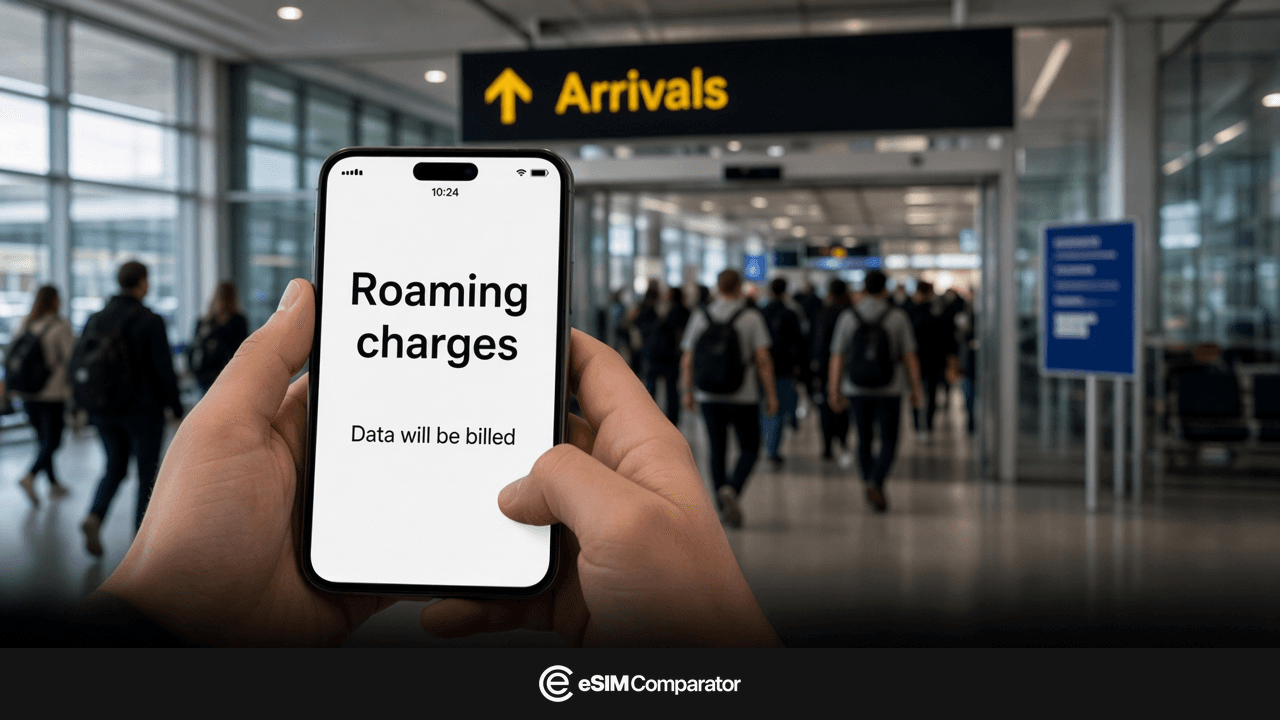
Australia is not “roam like home”. Without a travel pass, UK networks sell a day charge or block data. Open Maps without one and you either get no data or you trigger that day’s fee. A week at £6-8 a day already beats most 7-day Australia eSIMs.
| UK operator | Without an Australia pass | What 15 MB of Maps costs | If you stay on the UK SIM |
|---|---|---|---|
| EE | No rest-of-world data until you buy a pass | The day pass, not a per-MB bill | Australia is often a different zone from the USA and Canada. A Zone 1 weekly pass may skip Sydney. Recheck the country page. Daily rest-of-world passes are often in the £6-8 band. |
| O2 | Standard roaming unless Travel or Inclusive Zone Ultimate is on the plan | One Travel day if the bolt-on is active | Travel bolt-on is often ~£7/day when Australia is listed. The short Inclusive Zone usually skips it. Confirm in My O2. |
| Vodafone UK | A daily fee if Global Roam is not in the plan | One roaming day as soon as data attaches | Often ~£7.86/day on pay-monthly plans started on or after 11 August 2021 (later guides near £8). Check the roaming checker with Australia selected. This is Vodafone UK, not Vodafone Australia. |
| Three | Australia is Go Roam Around the World Extra, not Europe | A daily Extra charge, or PAYG if you have no pass | Daily Extra often £7 if you joined or upgraded from 1 October 2021. Plans from 18 December 2025: often £8/day from 1 April 2026. Extra lists often name Australia. Europe does not. |
These are orders of magnitude from September 2026 operator pages. Join date and the extra change the number. Open My EE, My O2, My Vodafone or the Three app before the flight. A 7-day eSIM on the Australia comparison is almost always cheaper than seven days of day passes, unless Australia is truly included.
Keep the UK SIM on for calls and bank codes. Turn data roaming off on that line if you use an eSIM. Point mobile data at the eSIM. If both lines roam, the UK bill comes back.
Roaming wins in three cases: Australia is truly on your plan, an unplanned afternoon, a work phone. Sydney plus Uluru is planned another way if the zone stops at Europe. Per-day detail: Australia roaming, costs and alternatives.
Local physical SIM in Sydney, Melbourne or Brisbane
A local physical SIM still helps if the phone is unlocked but without eSIM, or if you prefer a counter and a passport. Telstra, Optus, Vodafone, sometimes Boost or Amaysim, still sell prepaid. You wait, you show the passport, you insert the card.
The price on the counter is compared with the Australia eSIM table before you queue. A 1 am flight often finds the shop shut. An eSIM already in the phone does not depend on the hours.
Same logic as an eSIM: read the network (Telstra, Optus, Vodafone) and the hotspot. Queue and +61 detail: Australia eSIM vs local SIM.
Hotel, airport and café Wi-Fi in Australia
Australian Wi-Fi is everywhere on the poster: hotels, airports (SYD, MEL, BNE), café chains. Captive portals work in the hall. They drop on the Hume Highway, between motels, on a trail.
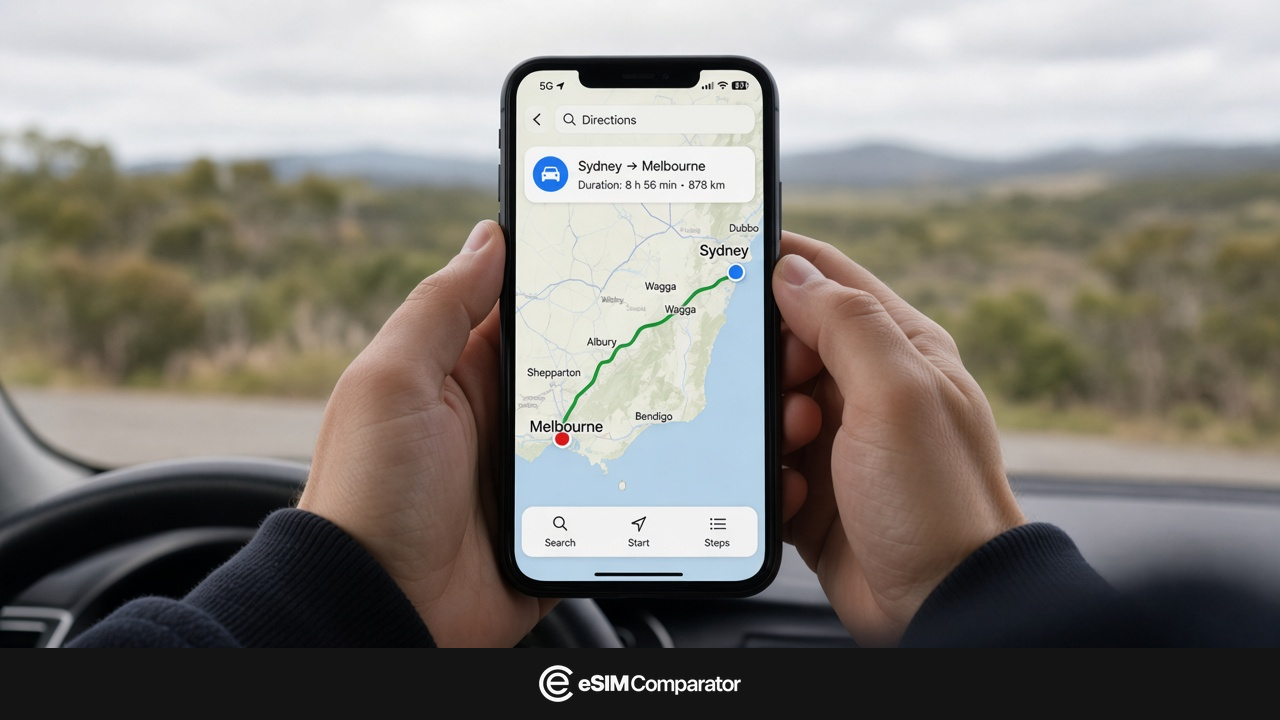
Use that Wi-Fi to dump photos to the cloud in the evening, or to install a forgotten profile. Do not build the trip on it. Google Maps holds better on a cellular line, especially off the cities.
Arrival Wi-Fi at SYD, MEL or BNE is for activating an eSIM if you could not do it at home. Keep the QR offline (screenshot, downloaded email). A captive portal often cuts the scan halfway.
Pocket WiFi in Australia: which devices
Rent a router only if screens remain without eSIM: a teen’s tablet, an old Android, a locked phone. A family where every pocket has a recent iPhone buys one eSIM per adult, not a hotspot by default.
The eSIM Comparator table ranks eSIM plans. It does not list TravelersWifi, GlocalMe or Rent’n Connect. Router versus eSIM, the renters and the 7-day sum are in Australia eSIM vs Pocket WiFi.
How many GB for a stay in Australia
Sydney, Melbourne, Brisbane: you walk with Maps, you take an Uber, you take photos. The cards match maps + messages + a bit of video. Add a tier if you stream in the van, or if a laptop stays on hotspot all day.
3-5 days
5-10 GBSydney city break. Maps, Uber, photos. Hotel Wi-Fi in the evening.
7-8 days
10-15 GBTwo cities. A bit of video. 15 GB if you are unsure.
12-15 days
15-20 GBEast coast plus a park. Take 15 days of validity if the flight home is in the morning.
3 weeks
20 GB or unlimitedOr an unlimited plan whose daily cap and hotspot are written in GB.
The data calculator tightens the tier. Then recheck the plan duration: 7 days for 8 nights is tight. Outback and parks: volume matters less than the mast. An unlimited Optus plan in town does not fill a hole Telstra would have avoided. Pick the network first, then the gigabytes.
Turn data on after landing in Sydney, Melbourne or Brisbane
- Leave airplane mode.
- Switch the travel eSIM on. Set it as the mobile data line.
- Turn data roaming on for that line only. Many iPhones treat an Australia profile as roaming even on Telstra.
- Turn data roaming off on the UK SIM, unless you are deliberately staying on a plan that truly includes Australia.
- If nothing attaches: airplane mode for thirty seconds, then off. Touch the APN only if the provider listed one.
Failure number one is roaming left off on the travel line. Number two: an operator-locked iPhone that installs the QR and then shows “No Service”. Test compatibility before you pay.
Solo, couple or family: what internet to take to Australia
Solo, recent iPhone, Sydney and Melbourne. One 10 GB eSIM. Evening hotspot only if the pack writes it.
Couple, two compatible phones. Two eSIMs. A single Pocket WiFi “to share” adds a deposit and an object to forget in the van.
Family with tablets. eSIM on the adults. A router for the tablets if they must stay online off Wi-Fi. Detail: Australia eSIM vs Pocket WiFi.
How to set up internet for a trip to Australia
- Compatibility: the tool before you pay.
- Open the Australia page. Operator column (Telstra off the cities), duration, hotspot, price paid.
- Install the QR on Wi-Fi at home. Keep an offline screenshot.
- On arrival, mobile data on the eSIM, data roaming off on the UK SIM.
Sources: internet in Australia
- Australia eSIM comparison Price, data, hotspot, operator column. Method: how we compare.
- Best mobile networks in Australia Telstra, Optus, Vodafone: which one matches the route.
- Australia roaming Day passes from EE, O2, Vodafone UK and Three, and when the eSIM wins.
- Data calculator Maps, messages, video: the tier before you buy 20 GB out of habit.
- eSIM-compatible phones If the model is missing or “no”, plastic SIM or Pocket WiFi.
Plans and shop hours move without notice. This note is dated 2 October 2026. Recheck the operator, hotspot and your roaming zone on departure day.
Some outbound links are affiliate links. A commission does not change rankings, filters or the numbers in the live catalog.