In short
If the phone is unlocked and takes an eSIM profile, buy an Australia eSIM plan: install at home, no deposit, nothing to return. Rent a Pocket WiFi only for tablets, a group laptop, or a locked handset. eSIM plans sit on the Australia comparison. Routers are booked with the renters below, not in our table.
- Compatible phone, one or two people. eSIM plan. Check the model in the compatibility tool.
- Family, each person has a recent iPhone or Galaxy. One eSIM per adult. Hotspot only if the pack writes it, for a laptop in the evening.
- Tablets, a phone without eSIM. Pocket WiFi rental (TravelersWifi, GlocalMe). An eSIM on one adult if you want to stay reachable without the router.
- Outback, highways, inland Tasmania. eSIM on Telstra if the phone takes it. Otherwise a router whose page writes Telstra.
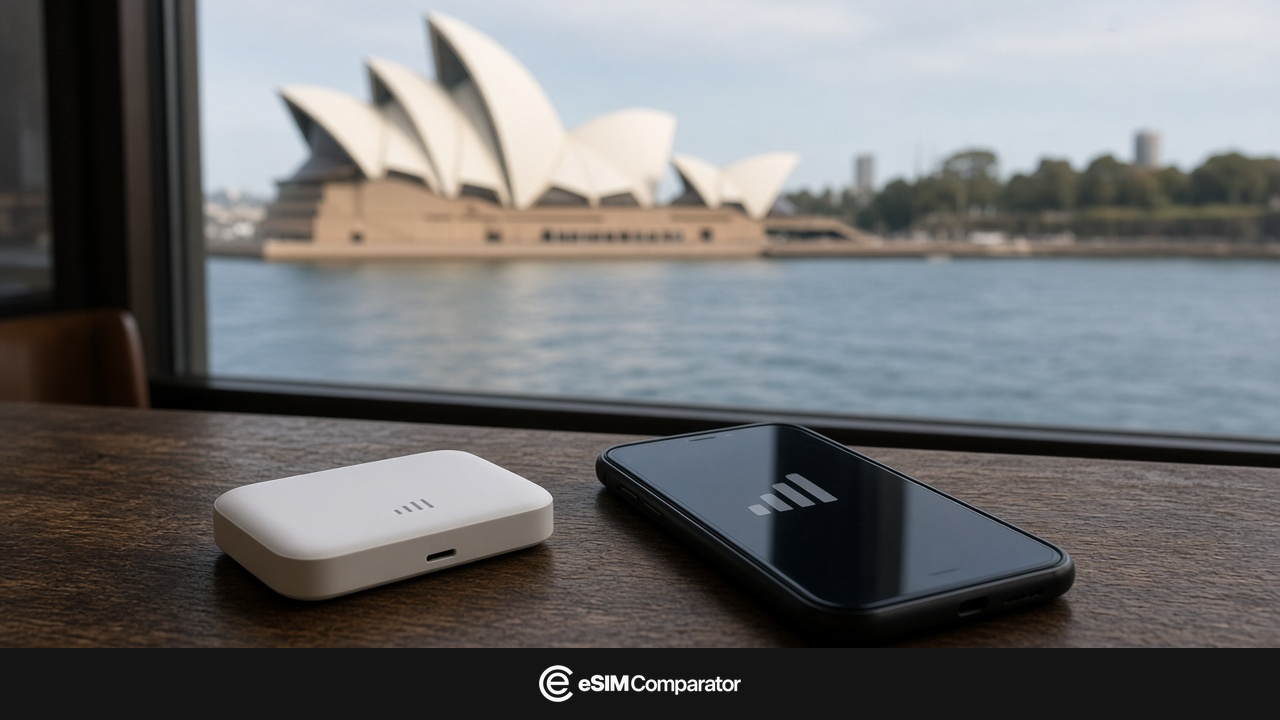
In Sydney, nobody hands you a NINJA WiFi the way Narita does. Here the Pocket WiFi is booked online, delivered to the hotel, or sometimes collected at the airport if that option is ticked and you land inside the hours. The eSIM is already in the phone if you scanned it at home. Both attach to the same kind of Australian mast. Take the eSIM as soon as the handset accepts it. The router only comes in if screens remain that cannot.
Australia eSIM: the default if the phone is compatible
If the phone is unlocked and takes an eSIM profile, buy an Australia plan. Maps, Opal, translation. No card hold, no locker, no bill if a router vanishes on a train.
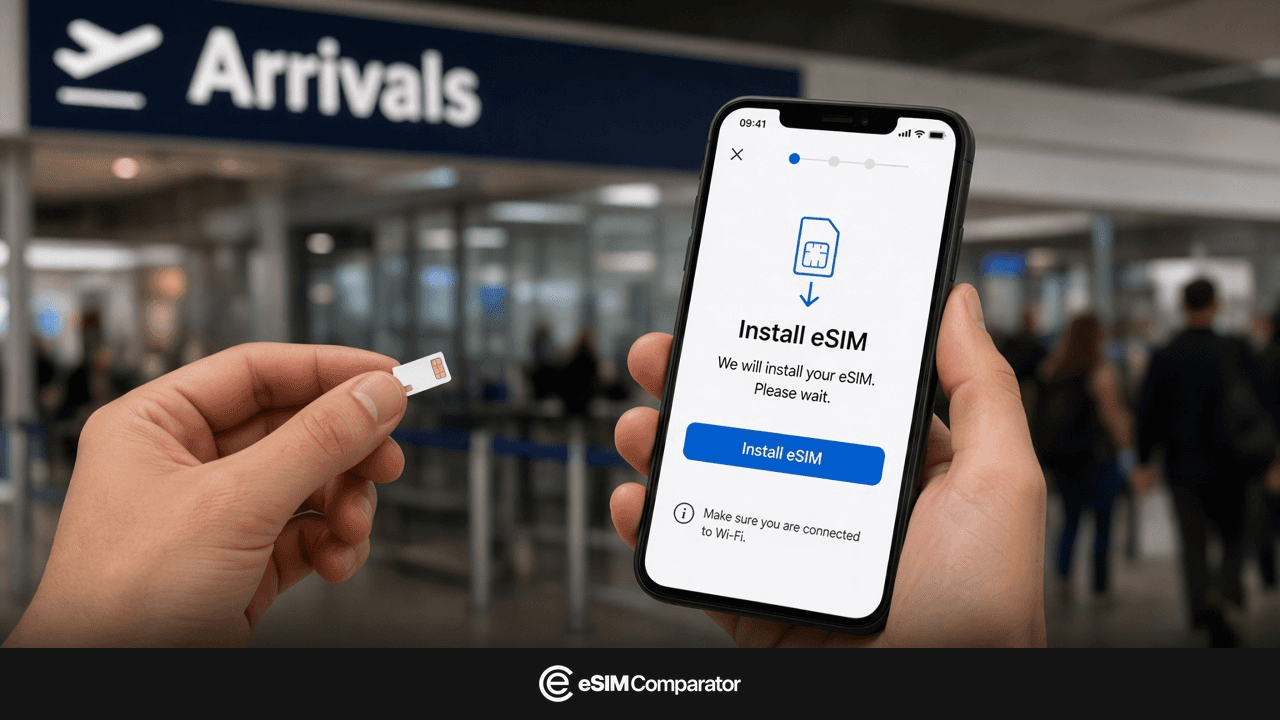
Install the profile before the flight, on stable Wi-Fi. Turn data roaming on for the eSIM only. Keep the UK line for bank codes.
Airalo and Holafly also cover Australia. Off the cities, look for Telstra on the page. Network detail: best mobile networks in Australia.
The buttons above are affiliate links to eSIM checkout. Commission does not change rank or filters. A paid slot, if one exists, is labelled Sponsoring.
When to rent a Pocket WiFi in Australia
The router wins in three precise cases.
- Devices without eSIM (a teen’s tablet, an old Android) must stay online without draining your phone.
- The handset is locked, or the compatibility tool says no.
- Four or five screens stuck to the same table, all day, and nobody wants to hold the hotspot.
Even at four people, if every pocket has a recent iPhone: four eSIMs, not a router by default. Hotspot on an unlimited plan whose daily cap is not published in GB stays a trap.
On a long drive, the router also has a battery to charge. The eSIM does not add a device to the bag.
Where to book a Pocket WiFi in Australia (Sydney, Melbourne)
Renters are not in our catalogue. You book on their site, get a hotel delivery, sometimes a pickup at SYD or MEL if the option exists. You return it on departure, often with a postal label. Read the network on the rented plan, the insurance, and the price if the device is lost. A deposit is often frozen until it comes back.
| Renter | Network often advertised | Pickup | Book |
|---|---|---|---|
| TravelersWifi | Telstra, Optus or Vodafone depending on the tier | Hotel delivery, rarely walk-in | travelerswifi.com |
| Rent’n Connect | Local network depending on the pack | Delivery, sometimes airport if the option is ticked | rentnconnect.com |
| GlocalMe (rental or purchase) | Telstra, Optus or Vodafone depending on the device | Delivery, sometimes resale after the trip | glocalme.com |
Days are often billed between a few Australian dollars and around fifteen, plus insurance, plus sometimes a minimum number of days. Recheck the quote for the same dates, not the “unlimited 5G” homepage.
A 1 am landing: an eSIM already active beats waiting for tomorrow’s courier. A hotel delivery is booked before you leave, not in the passport queue.
Klook and marketplaces sometimes resell the same routers. The real renter is named on the activity. Pay the quote, not the “−80%” banner.
Australia eSIM price and a Pocket WiFi rental for 7 days
A 7-day Australia eSIM is paid per phone. Two compatible adults: two plans. The data calculator stops you buying 20 GB for a city break.
The Pocket WiFi is paid per day, plus insurance, plus sometimes a deposit. Five devices on the same router do not multiply the rent. A solo traveller who opens Maps for an hour still pays the day. Over three days, the frozen deposit often exceeds the rent.
Do the sum once: N times the eSIM plan on the Australia comparison, against the TravelersWifi or GlocalMe quote for the same dates. As soon as every pocket can take an eSIM, the router almost always loses.
eSIM or Pocket WiFi by Australia itinerary
Sydney + Melbourne, 8 days, a couple, two iPhones. Two eSIMs. No locker. Hotspot only if a laptop needs it in the evening, and if the pack writes it.
Family, 12 days, two adults on iPhone, two tablets. Two eSIMs for the adults. One Pocket WiFi for the tablets, if they must stay online in the van. Not a router “for everyone” if the teens already have a compatible phone.
Red Centre, phone without eSIM. Pocket WiFi whose page writes Telstra. Do not buy a QR the handset cannot swallow. Alternative: local SIM at the counter.
Compare an Australia eSIM with a Pocket WiFi quote
Our table ranks eSIMs. It does not list TravelersWifi, GlocalMe or Rent’n Connect. Do not look there for a deposit or a counter timetable.
- If the phone takes eSIM, open the Australia page. Filter hotspot only if you share to a tablet or a laptop.
- Note the price paid (promo applied) for one pack, or for N packs.
- Put that total next to the renter’s quote, same dates. The router wins only if screens remain without eSIM, or if the quote is truly lower.
- Off the cities, prefer an eSIM that writes Telstra. A Vodafone Pocket WiFi does not fix a Telstra-shaped hole in the desert.
How to match a Pocket WiFi quote to the Australia eSIM comparison
- Phone compatibility: the tool first.
- Open the Australia page. Operator column, duration, hotspot.
- Ask the renter for a quote (network written, deposit, delivery).
- Apply the eSIM partner promo, then read the price paid. Ignore the struck-through shop price.
Sources: Australia eSIM and Pocket WiFi
- Australia eSIM comparison Price, data, hotspot, operator column. Router renters are not on it.
- Best mobile networks in Australia Telstra off the cities, Optus and Vodafone in town. Useful once you have chosen eSIM or router.
- TravelersWifi Pocket WiFi rental, often hotel delivery.
- GlocalMe Multi-network router, rental or purchase.
- Rent’n Connect Rental, delivery, sometimes airport.
- eSIM-compatible phones If the model is missing or “no”, move to a router or plastic.
Renter quotes and eSIM partners move without notice. This note is dated 1 October 2026. Recheck the network, hotspot and delivery method on the day you book.
Some outbound links are affiliate links. A commission does not change rankings, filters or the numbers in the live catalog.